💡 AI Academy · Ages 8–15

Kids don't just play games here.
They build them.

Two tracks, ten sessions each, matched to how each age actually learns. Younger students play an AI game, then take it apart and build their own. Older students ship a real app to a real URL. Everything they make lands in the Kiddoer Arcade.

💡 The Arcade

See what kids actually build

Browse the whole arcade →
Made by a kid

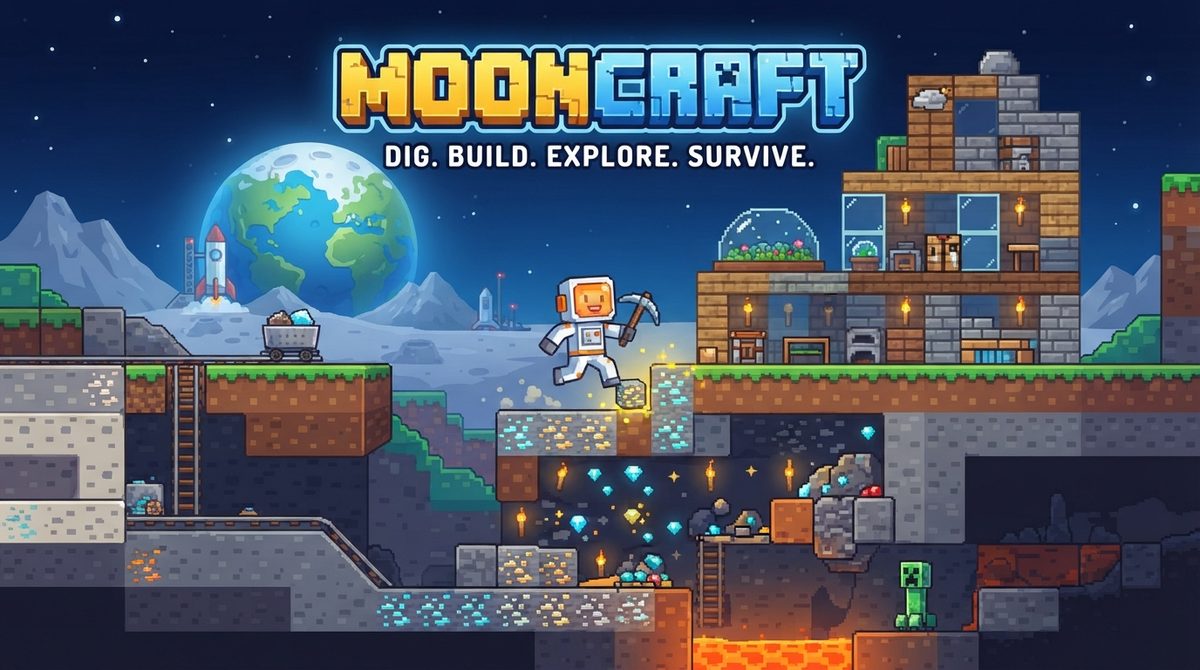
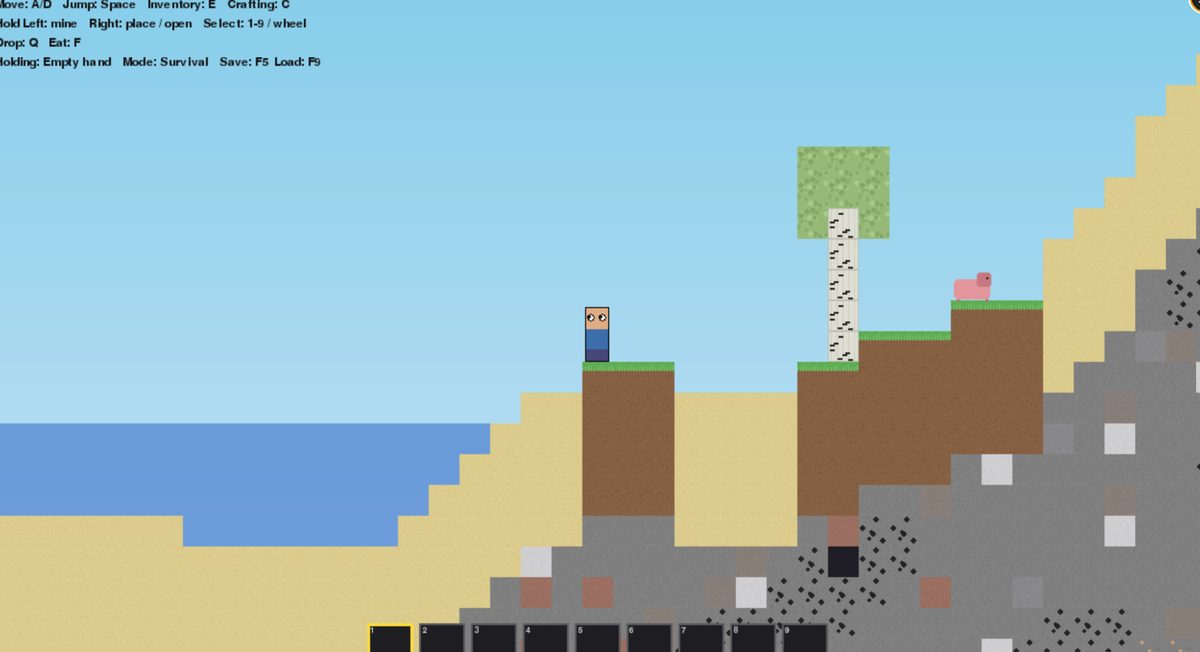
2D Mooncraft

by Jasper, age 11

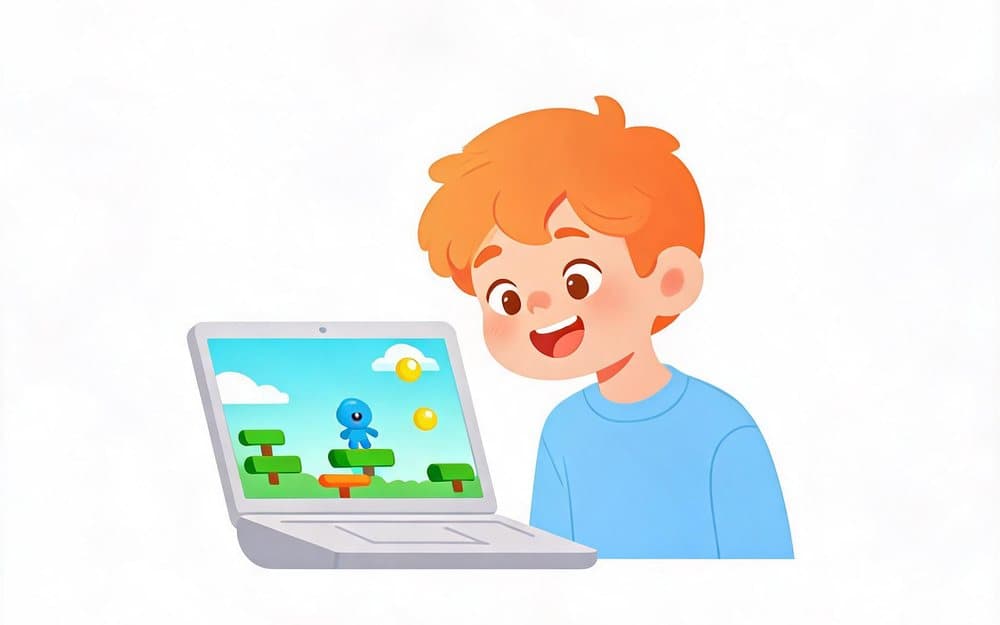
A side-on sandbox world to mine, craft and build in. Dig for ore, smelt it in a furnace, and see how deep you can get before dark.
Made by a kid

2D Mooncraft — Worlds

by Jasper, age 11

Jasper's second Mooncraft, and a much bigger one. Six worlds to keep, sheep wandering the hills, caves and dungeons under the sand, and TNT for when digging is too slow.

Kids helped build this

Balloon Trip

Verve Group

Steer a balloon-lifted husky past everything with a spike on it, and see how far you get before the last balloon pops. Big download — give it a minute to load.

💡 The Tracks

Two tracks. One mission.

Age decides the track, and the research decides the age. Under 11, kids understand logic best by moving and doing — so the Explorer Track teaches through interactive games. From 11, abstract syntax finally makes sense to them, so the Script Track writes real code.

🔍 Explorer TrackAges 8–10

Move, create and play with AI.

10 sessions · 3 projects · interactive AI
  1. P1
    Sessions 1–3

    Play the AI Game

    Play the game and meet your AI character. Then the real question: why did I get that one?

    🚀 An AI hero card to take home
  2. P2
    Sessions 4–7

    Modify the Game

    Open the JSON, add your own character, and argue about whether the logic is fair. The class LLM is the design partner.

    🚀 Another class plays your version
  3. P3
    Sessions 8–10

    Build Your Own

    New theme, new characters, blank file. Same game mechanic, entirely their game.

    🚀 Demo Day — it runs live for parents
💻 You need a laptop or a tablet
💻 Script TrackAges 11–15

Build real apps. Deploy for real.

AI-assisted coding · a live project · 10 sessions
  1. P1
    Sessions 1–2

    See It, Then Break It

    Demos of wild student projects first, instruction second. Then open the hood, break things on purpose, and read the logs.

    🚀 First commit pushed to GitHub
  2. P2
    Sessions 3–9

    Build Your App

    Pick a direction — AI chatbot, emotional avatar, 3D world, or AI creative tool — and build it. One commit per class.

    🚀 Deployed to a real URL
  3. P3
    Session 10

    Demo Day

    Live URL on the projector and a 60-second pitch. Real stakes, real audience.

    🚀 A link they can send anyone
💻 You need a laptop
💡 Why it works

Grounded in learning science, not intuition

Every choice here comes from published research on how kids actually learn. Four that matter most:

Project-based learning

Three projects per track that kids can share. Building something beats being lectured at — students remember more, and they stay interested.

Papert 1991 · Krajcik & Shin 2014

Move first, type later

Under 11, kids grasp if-then rules by acting them out rather than reading them. That is why the Explorer Track is built around interactive games.

Wilson 2002 · Lindgren 2013 · Piaget 1972

AI as pair programmer

Working with an AI helper made students 55% faster and more confident — but only when they read and changed the code instead of pasting it.

Peng et al. 2023

Real stakes, not tests

A real link and a real audience beat a test. Kids stay with it because they can see their work change on screen straight away.

Wiggins 1998 · Deci & Ryan 2000
💡 Questions

What parents ask first

What ages is Kiddoer for?

Ages 8 to 15, split into two tracks. The Explorer Track is for 8–10 and teaches logic through interactive games. The Script Track is for 11–15 and writes real code. The split is at 11 because that is roughly when abstract syntax becomes readable to most kids.

Does my child need coding experience?

No. Both tracks start from zero. The Script Track's first sessions are spent opening finished projects, breaking them on purpose and reading the errors — before anyone is asked to write a line.

What equipment do we need?

Ages 8–10 need a laptop or a tablet. Ages 11–15 need a laptop, because they are typing real code and using a browser-based editor. Nothing to install beyond a browser.

What will my child actually make?

Three projects per track. The last one is theirs from a blank file, and it ends up published at a real web address they can send to a friend — not a screenshot, and not a certificate.

Can I see what students have built?

Yes. Every finished project goes into the Kiddoer Arcade, free to play in any browser with no download and no account. It is the honest version of a portfolio: you can click a game and judge it yourself.

How are the classes run?

Ten live sessions in a small group, taught in English or Chinese. The final session is Demo Day, where each student puts their live URL on the projector and pitches it.

💡 For partners

Teach this under your own brand

Schools, after-school centres and independent tutors run the Kiddoer programme as their own — our curriculum, projects and AI tool behind your name.